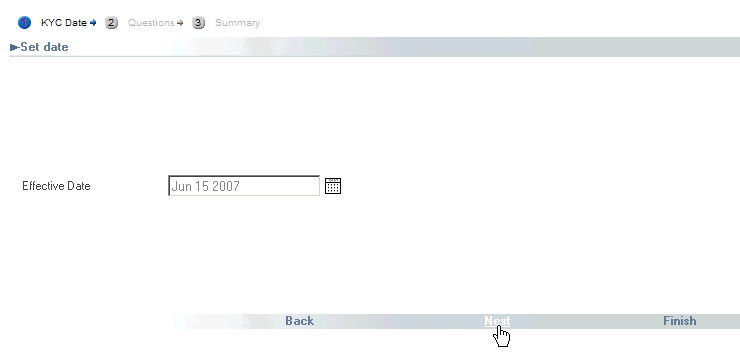
Location: DC Admin Process /New KYC
Depending on your security level, you can add member KYC information.
To add new KYC information to a member record, do the following:
From the DC Admin process, click to select the New KYC event. The system displays the New KYC wizard.
Using the Calendar, set the Effective Date.
Click Next to display the KYC Questions screen.
Using the option buttons provided, select the member's answer to the questions 'Estimate level of annual income', 'Investment knowledge' 'Approximate net worth', and 'Risk tolerance'.

Click Next to display a Summary.
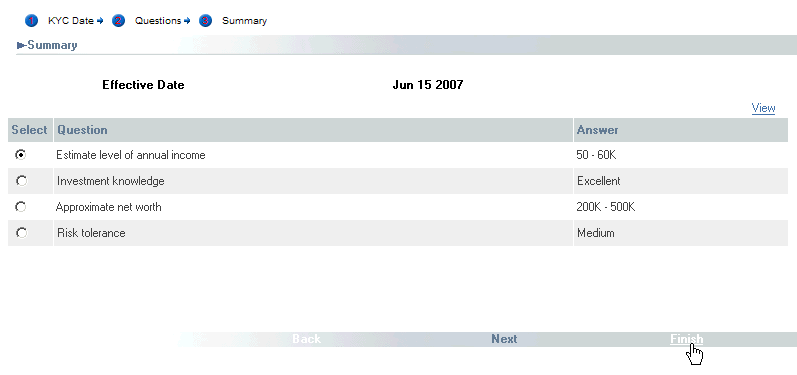
If the summary is correct, click Finish. If you select the event Past KYCs, you can see that the new KYC information has been added.
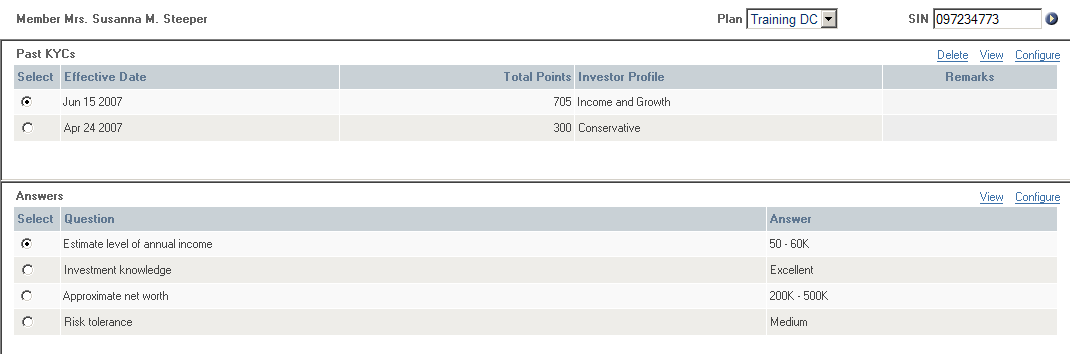
For more information, see DC Admin Process (Online).
Build 1136
